
Playbook for Creative Agency
The Creative Command Center
for Agencies
Keep every client, campaign, and creative asset in perfect order - from first brief to final delivery.
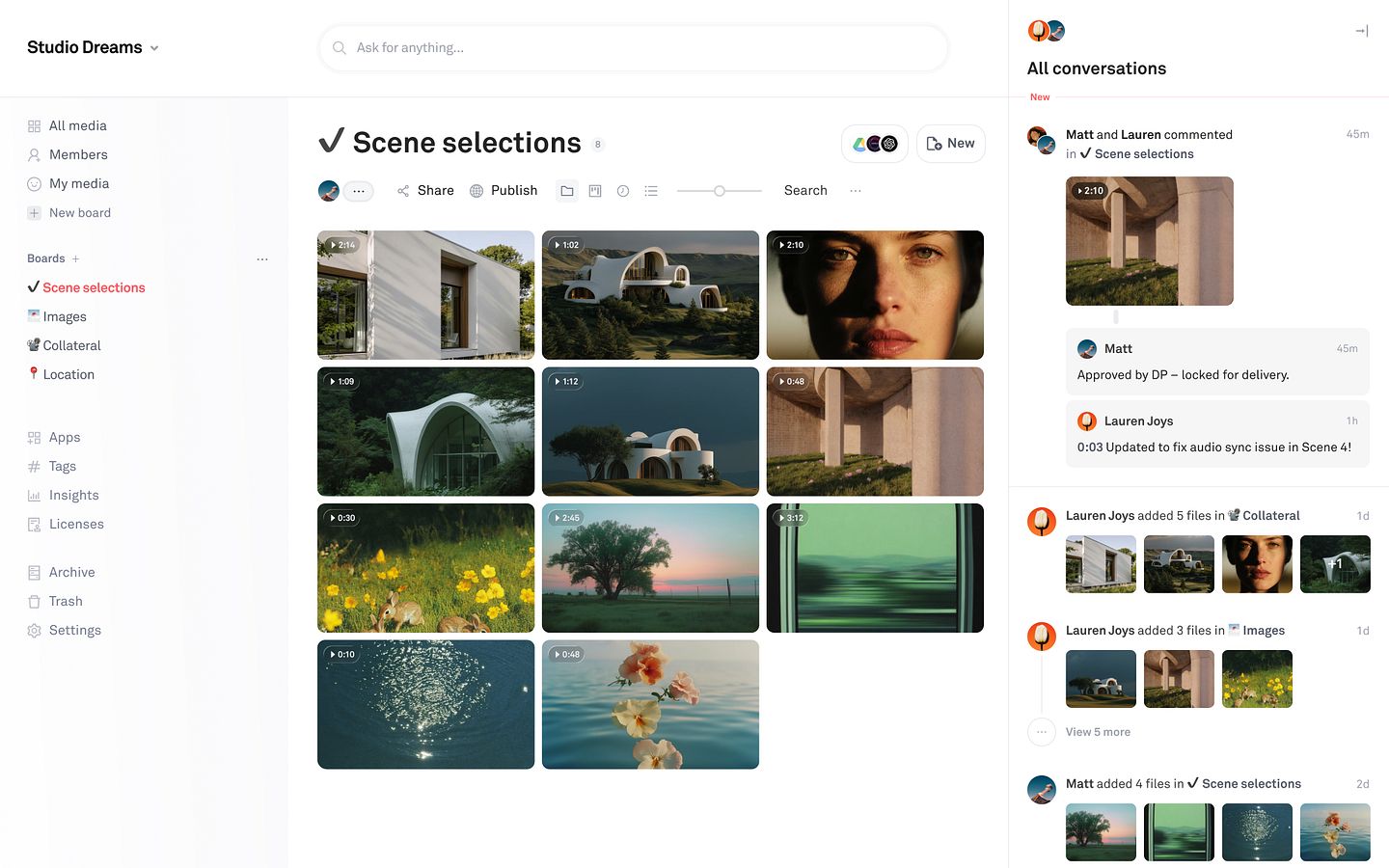
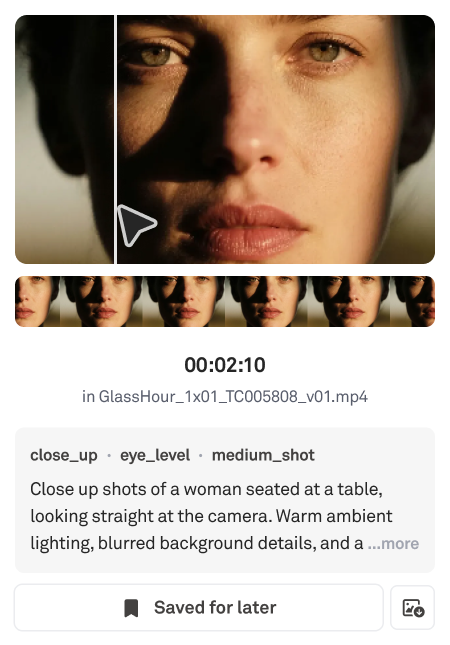
Playbook in action
From brief to delivery: built for every stage of the creative process
Brief & brainstorm
Consolidate moodboards, references, and briefs into a single shared space so every project starts aligned.
Produce & organize
Keep design files, video, and copy assets organized by client and campaign—searchable in seconds, not hours.
Review & approve
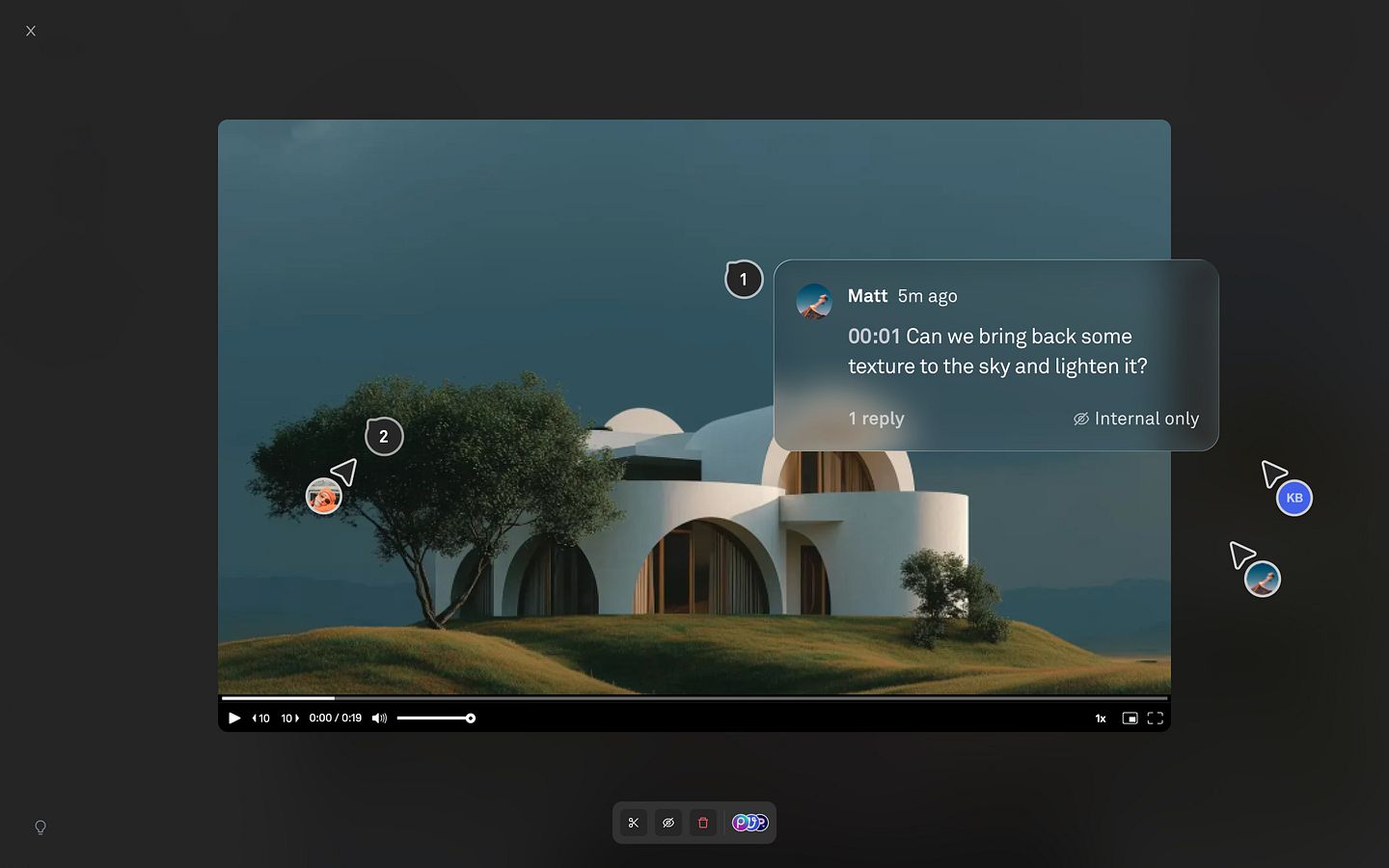
Collect precise annotations and threaded feedback with version history, so nothing ever gets lost in an email thread.
Deliver & impress
Share polished, branded client portals in one click—sleek, secure, and ready to present.
Impress clients with
beautiful delivery.
Stop sending zip files and folder links. Publish polished, branded client galleries in one click — customized to match each brand and stunning enough to become part of the presentation itself.
From final file to client-ready gallery in seconds.
Playbook's Publish feature lets you create fully branded portals for every client — custom domains, your logo, their colors. No extra tools, no developer needed. Share a link and let the work speak for itself.
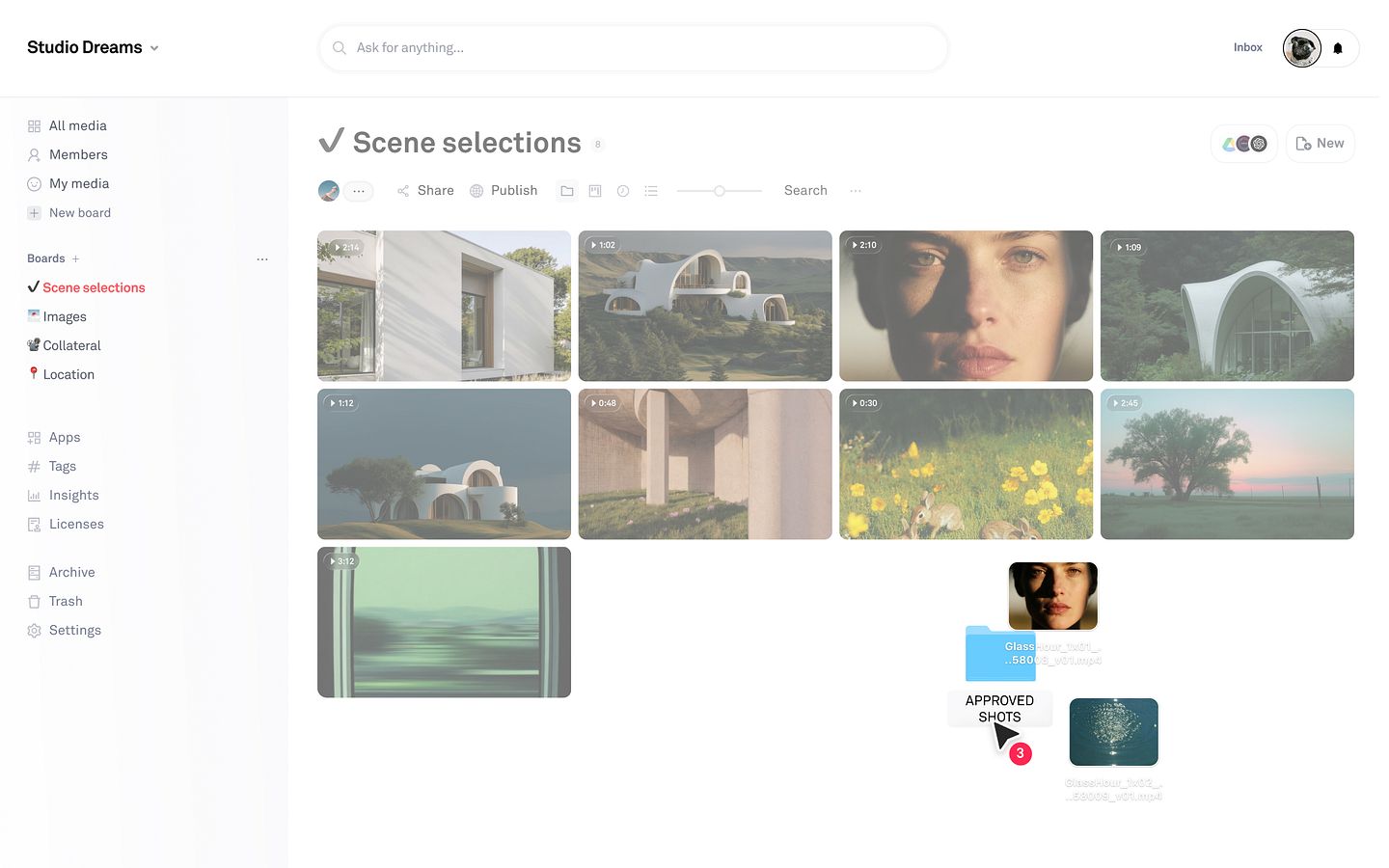
Faster than Google Drive.
By a lot.
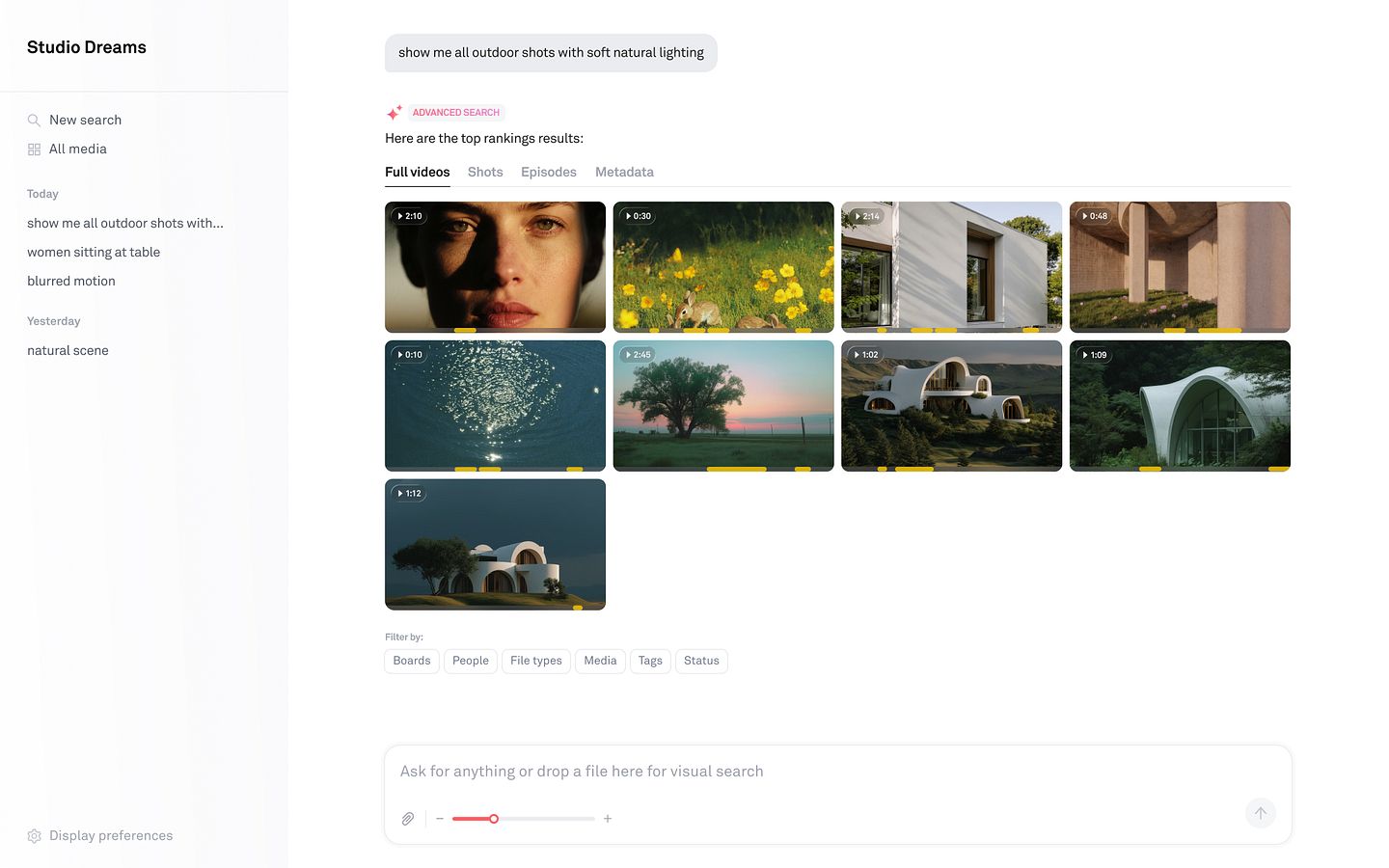
Large creative files shouldn't slow you down. Playbook is built for the heavy stuff — RAW photos, 4K video, layered PSDs — uploaded and retrieved at full speed, no compression, no waiting.
Your tools shouldn't make you wait.
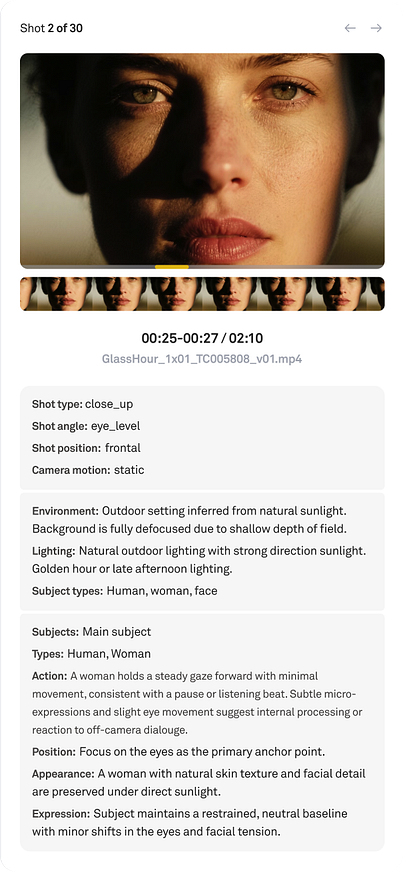
Playbook's infrastructure is optimized for creative file sizes. Bulk-upload an entire campaign shoot, download a client's final deliverable package, or sync your desktop folder — all without the spinner anxiety. And once assets are in, AI auto-tags them instantly so you're never starting from scratch.
Collaborate to the fullest.
Comment. Compare. Ship.
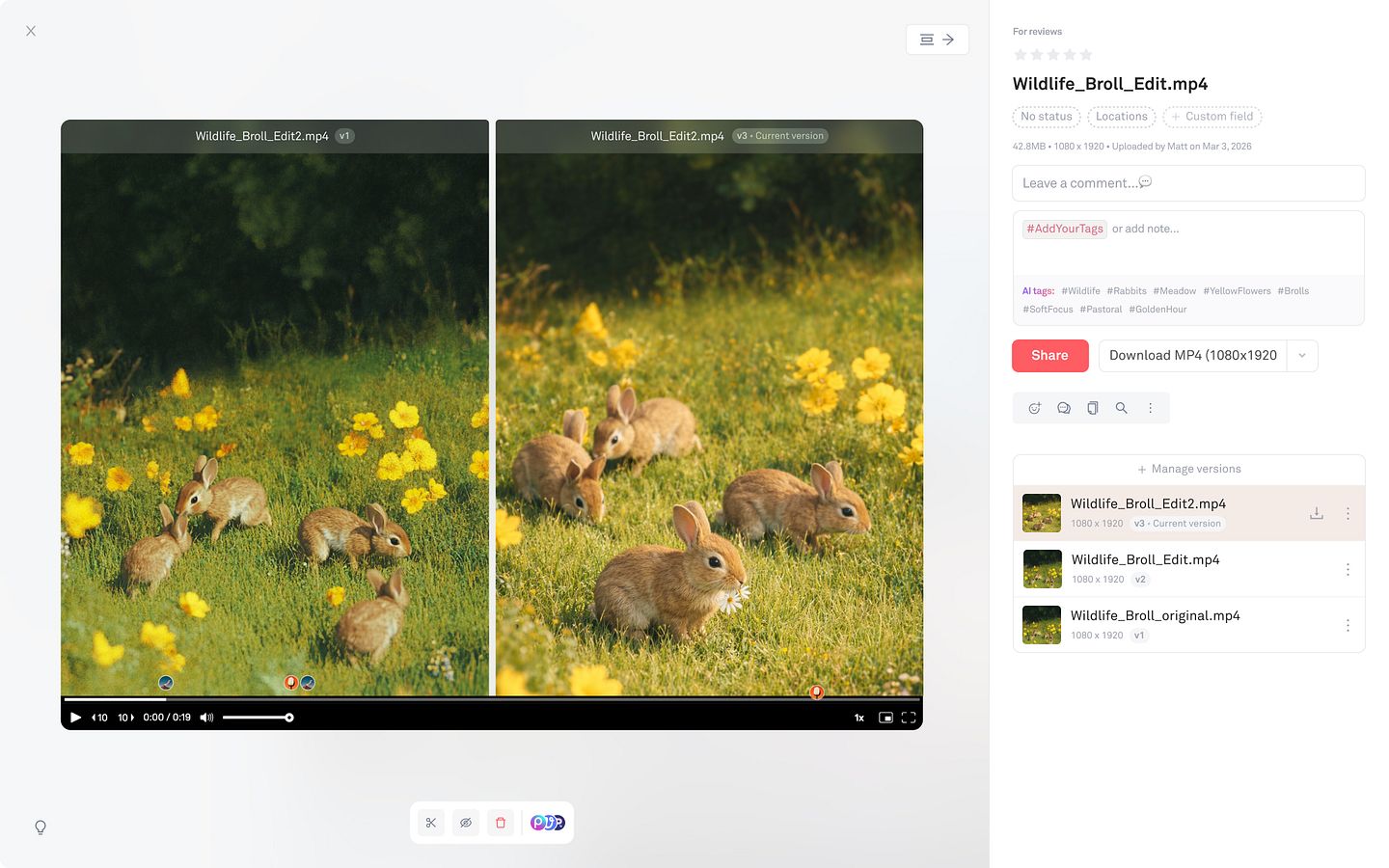
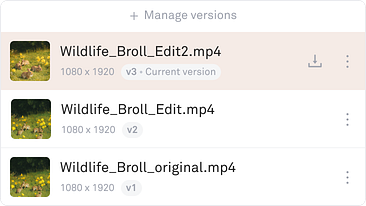
Every revision, every note, every decision — preserved and trackable. Your team and clients stay aligned on the latest version without a single "which file is final?" email.
V1 to final, without losing anything.
Built-in version stacking keeps every revision inside the same asset view. Side-by-side comparison lets stakeholders make confident decisions. Threaded comments with timestamps mean feedback is always pinned to the exact frame or file it belongs to — no more lost Slack messages.

Manage all your clients in one place.
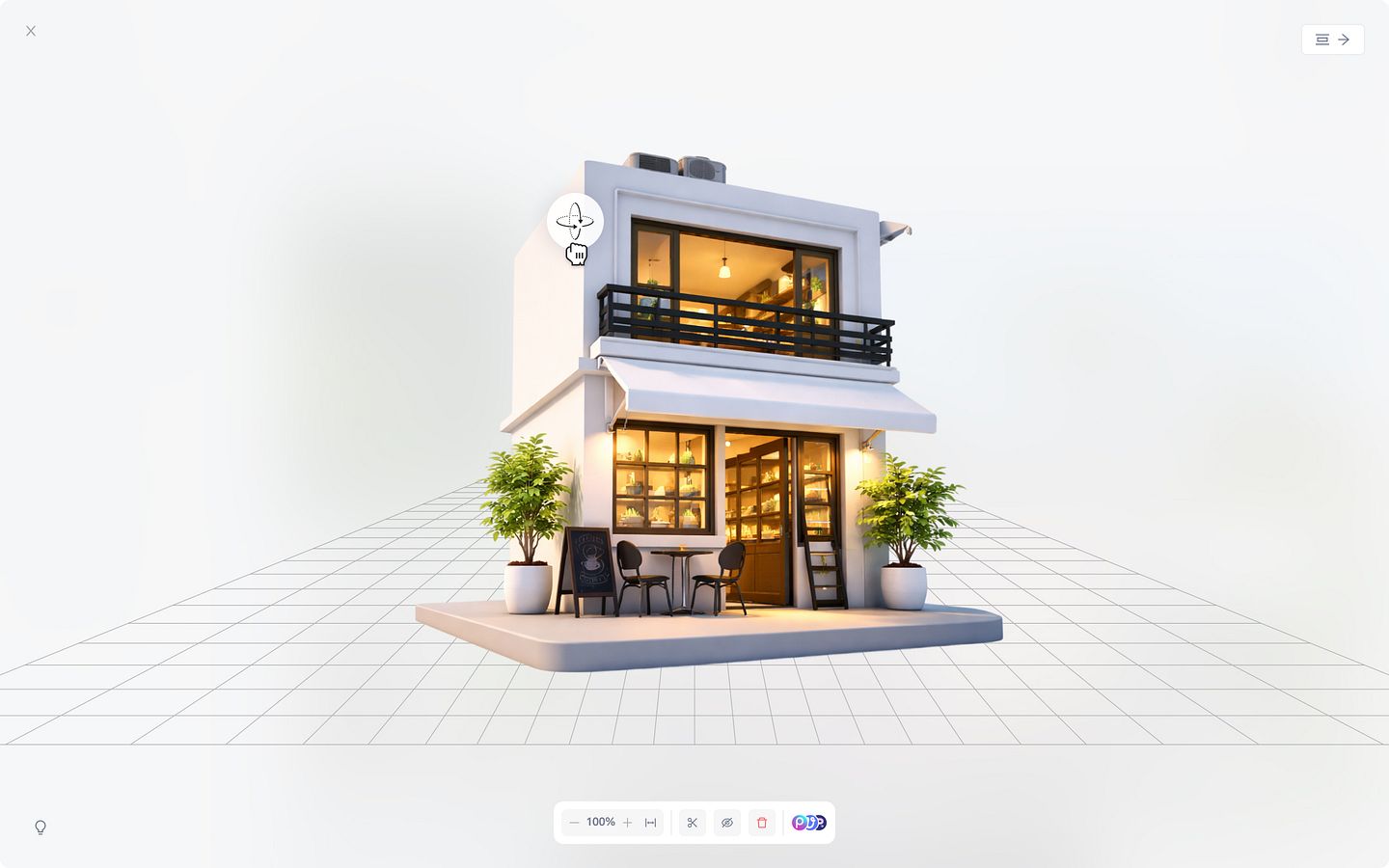
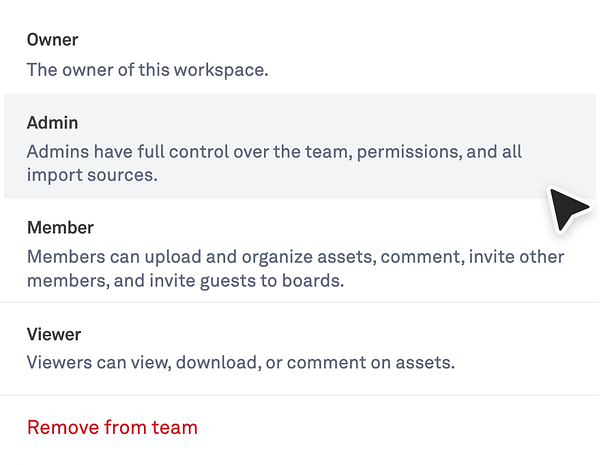
One workspace. Every client neatly separated. Full control over who sees what — whether it's a full-time team member, a freelancer on a single campaign, or a client reviewing deliverables.
One workspace. Multiple clients. Zero permission chaos.
Link multiple asset libraries under a single agency account — each client keeps its own structure while sharing the same access model. Freelancers and collaborators get exactly the access they need. When a project wraps, you revoke it cleanly, completely, and instantly.
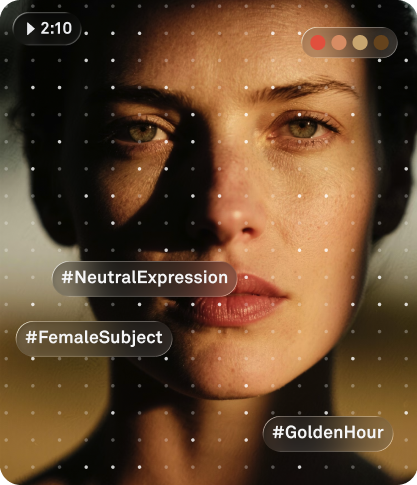
Every asset tagged.
Automatically.
The moment a file lands in Playbook, AI breaks it down and tags every detail — content, color, subject, format, and more. No more hunting through folders with cryptic filenames. Your entire creative library becomes searchable without anyone lifting a finger.
From raw upload to fully indexed in seconds.
Playbook's AI automatically extracts and categorizes metadata across 16+ dimensions the moment an asset hits your library — integrated with Gemini, OpenAI, and Playbook's own production LLM. Find any asset by describing it naturally: "find all lifestyle shots with warm tones from the Q2 campaign." It just works.
Your entire toolkit.
In one click.
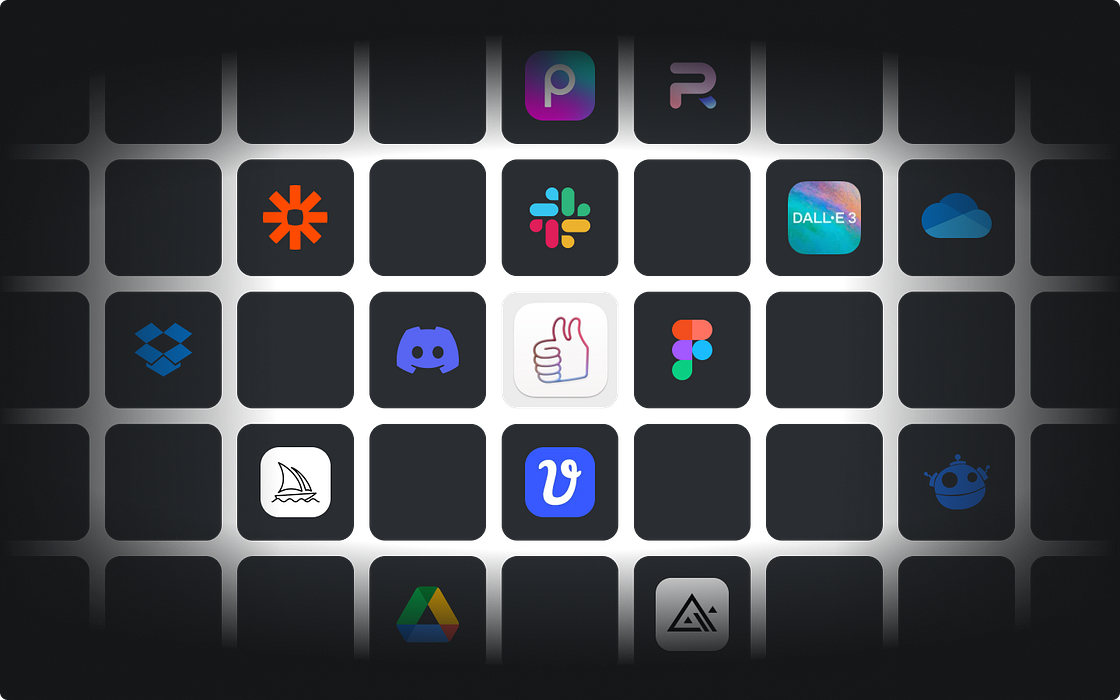
Playbook ships with a curated ecosystem of creative and post-production tools. Admin enables them once — every team member and collaborator gets access, no separate licenses or permission juggling required.
Keep the chaos out.
Your clients deserve better than a Dropbox link. Your team deserves better than version_final_FINAL2. Playbook is the creative command center built for agencies that refuse to look amateur.