
Conversational commands
Learn how to use batch actions within sidebar chat and leverage conversational prompts to chain actions.
Playbook Intelligence makes it possible for you to type as you would speak to describe what you want to do. No need to find the right button, wait around, or switch to different tabs – just prompt once and let Playbook Intelligence run.
Basic batch actions
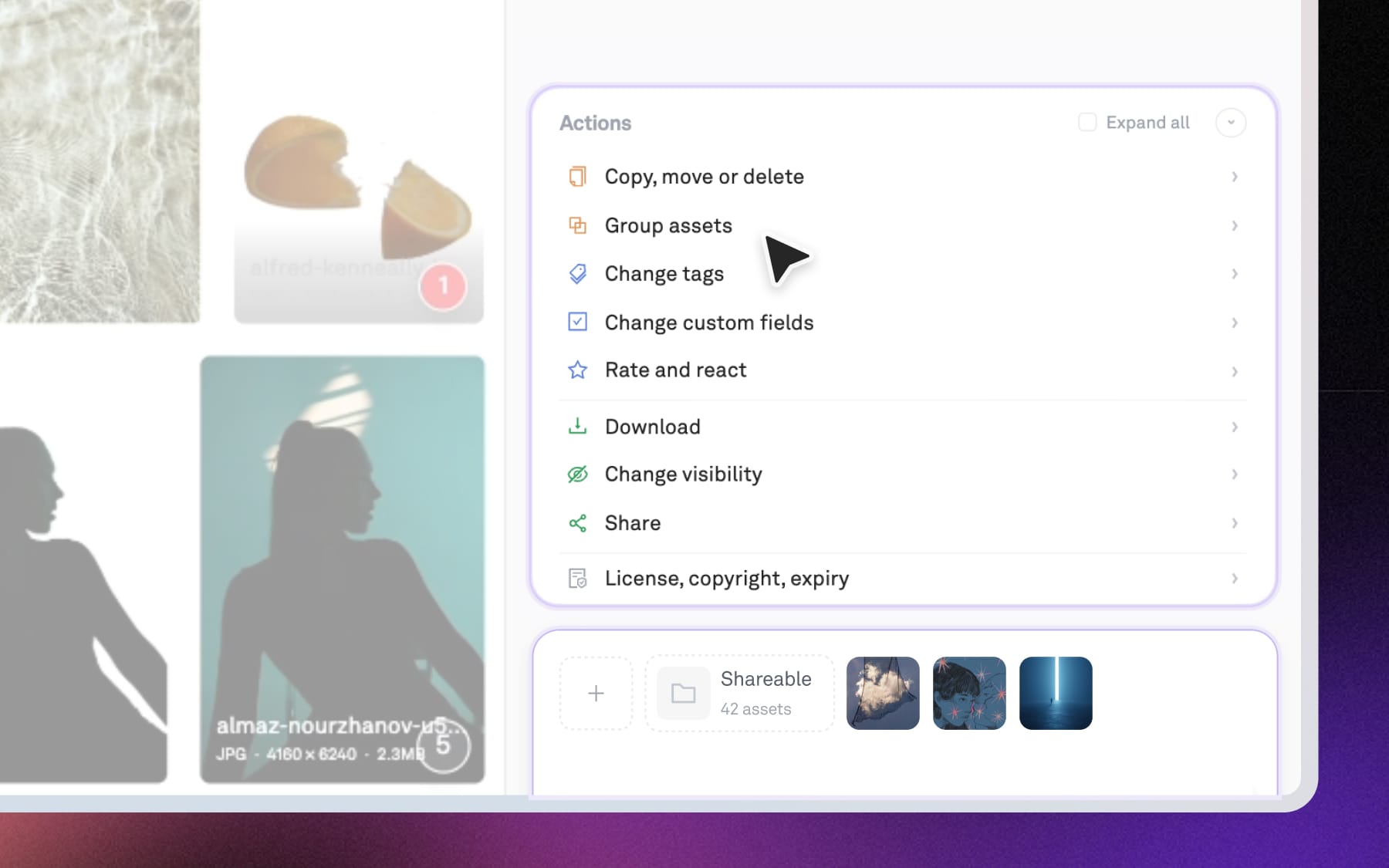
Select simple actions (eg. copy, move, delete) from the quick actions popup or type them conversationally into the chat to let Playbook know what you want to do.
Combined actions
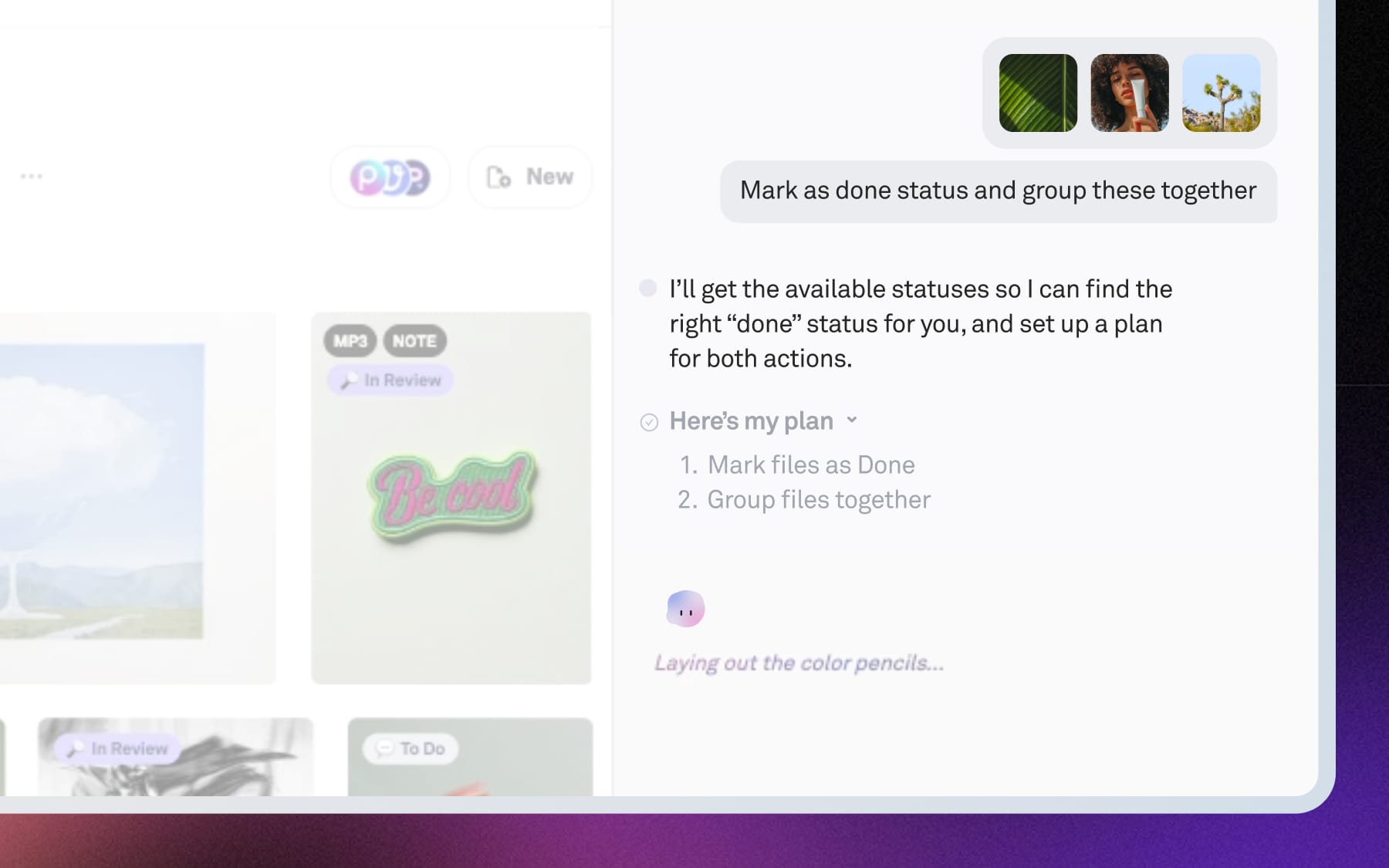
You can also combine steps into one instruction. For example, try “Change status to ‘Done’, copy to new board, and create a share link” or “Remove background on these and group the outputs together”. We'll come up with a plan and execute for you.
Editing or stopping an executing plan
While the agent is running, you can make changes to the plan by clicking on “Edit plan” and describing the change you want to make.
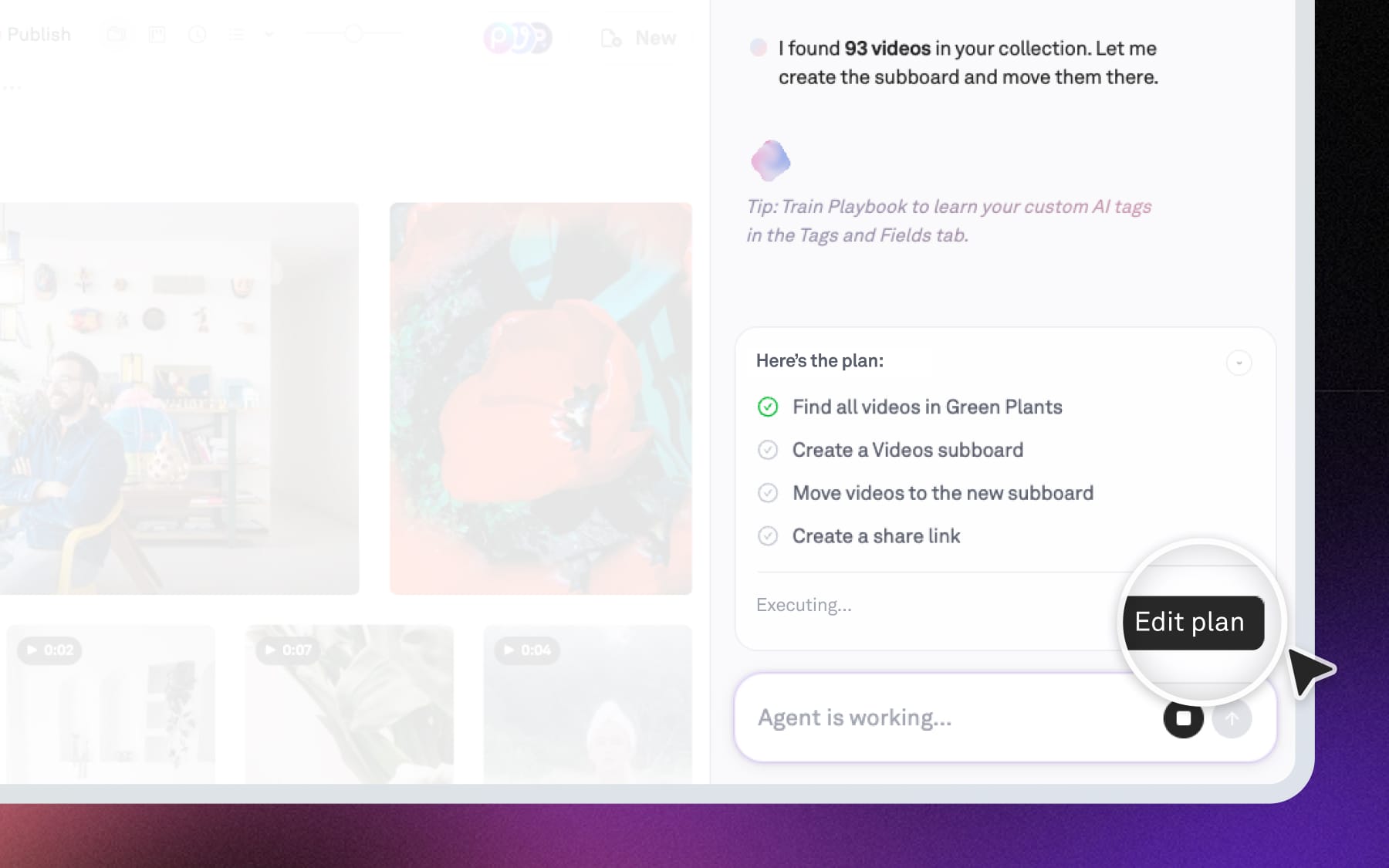
You can also cancel an ongoing operation by clicking on the "Stop workflow" button in the input box while the agent is working. This stops the agent where it is the plan.
A few operations are asynchronous and cannot be cancelled once they have started, including remove background, vectorize, turning into a gif, and adding watermarks.