Deduplicates & auto-group
How Playbook removes duplicates and groups similar files automatically during every upload.
Playbook helps your workspace stay tidy by handing duplicates and similar assets as they enter your workspace. You can also disable these automated settings if you prefer.
Smart Deduplication
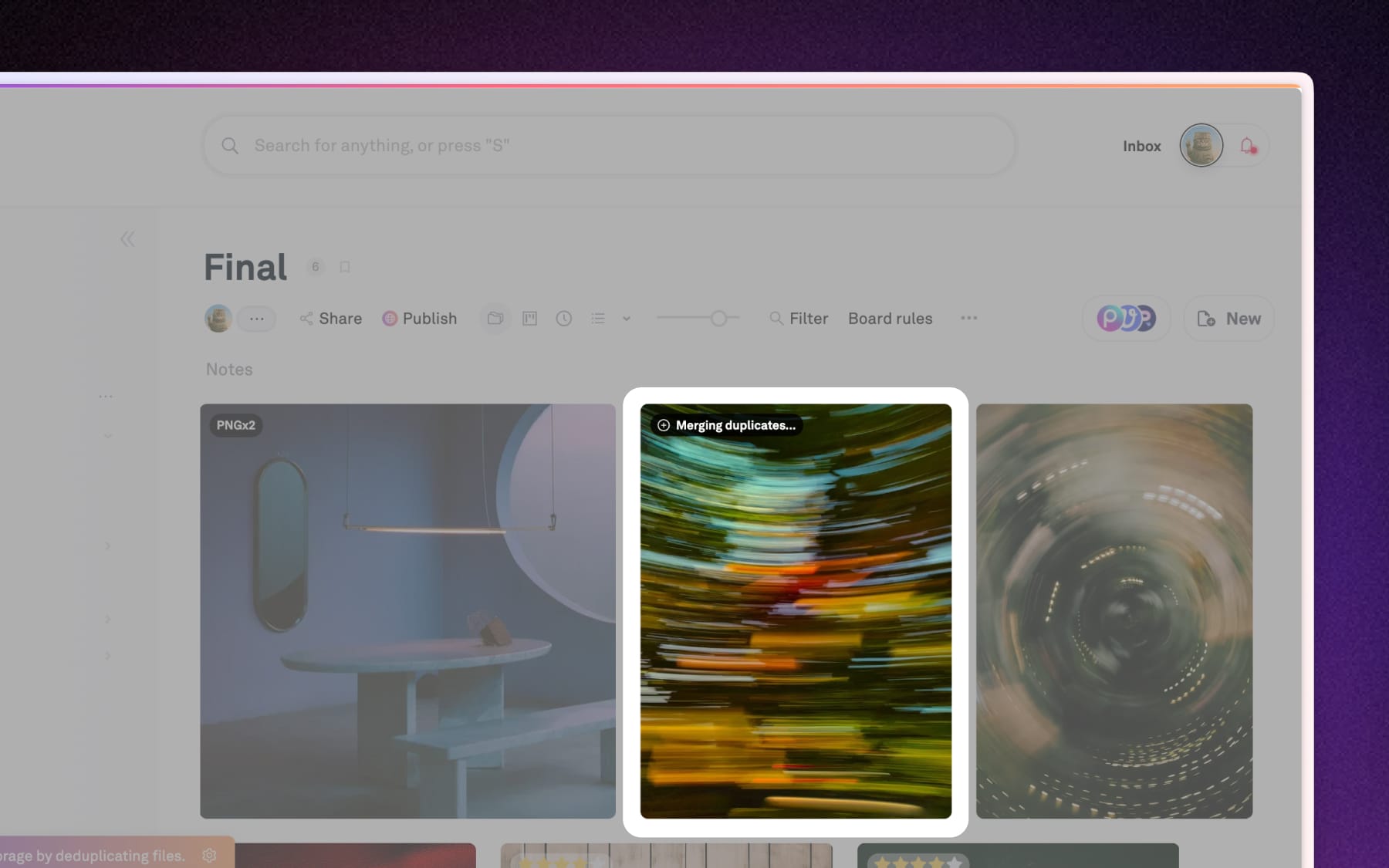
Playbook automatically identifies identical files during the import and upload process to prevent your boards from becoming cluttered. This saves storage space and ensures your tea is always working from a single 'source of truth.'
How it works:
Our system analyzes files by content, not just file names. If you attempt to upload a file that already exists in your workspace, Playbook will auto-merge them to only keep the existing file.
Auto-group similar files
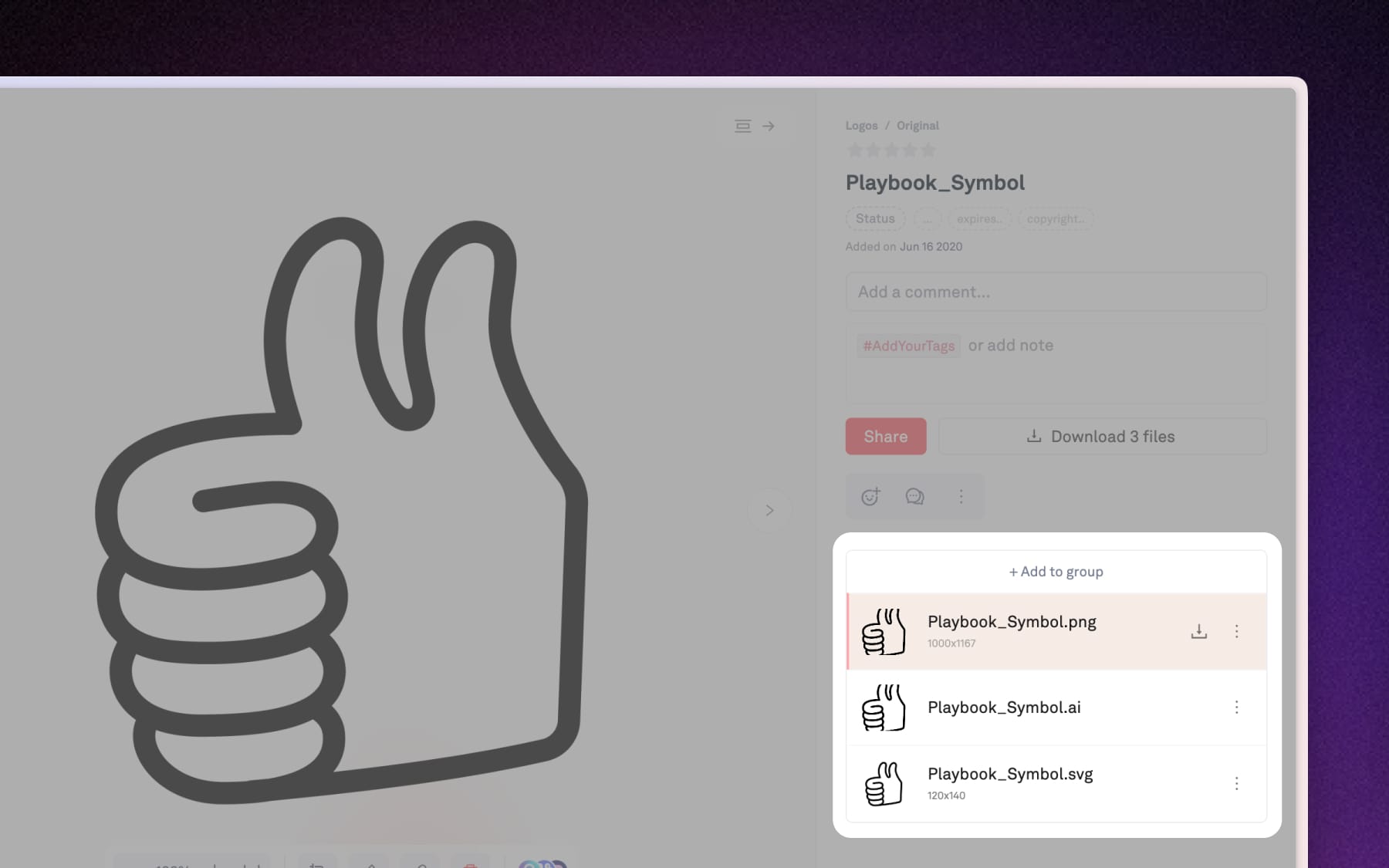
If you frequently upload multiple versions of the same asset–like different sizes of a logo or various crops of a photo–Playbook will automatically group them together.
How it works:
Playbook groups assets with matching metadata (like file names) during import and upload to streamline your organization. Allowing you to click into the group to see the variations neatly stacked together.
Workspace-wide settings
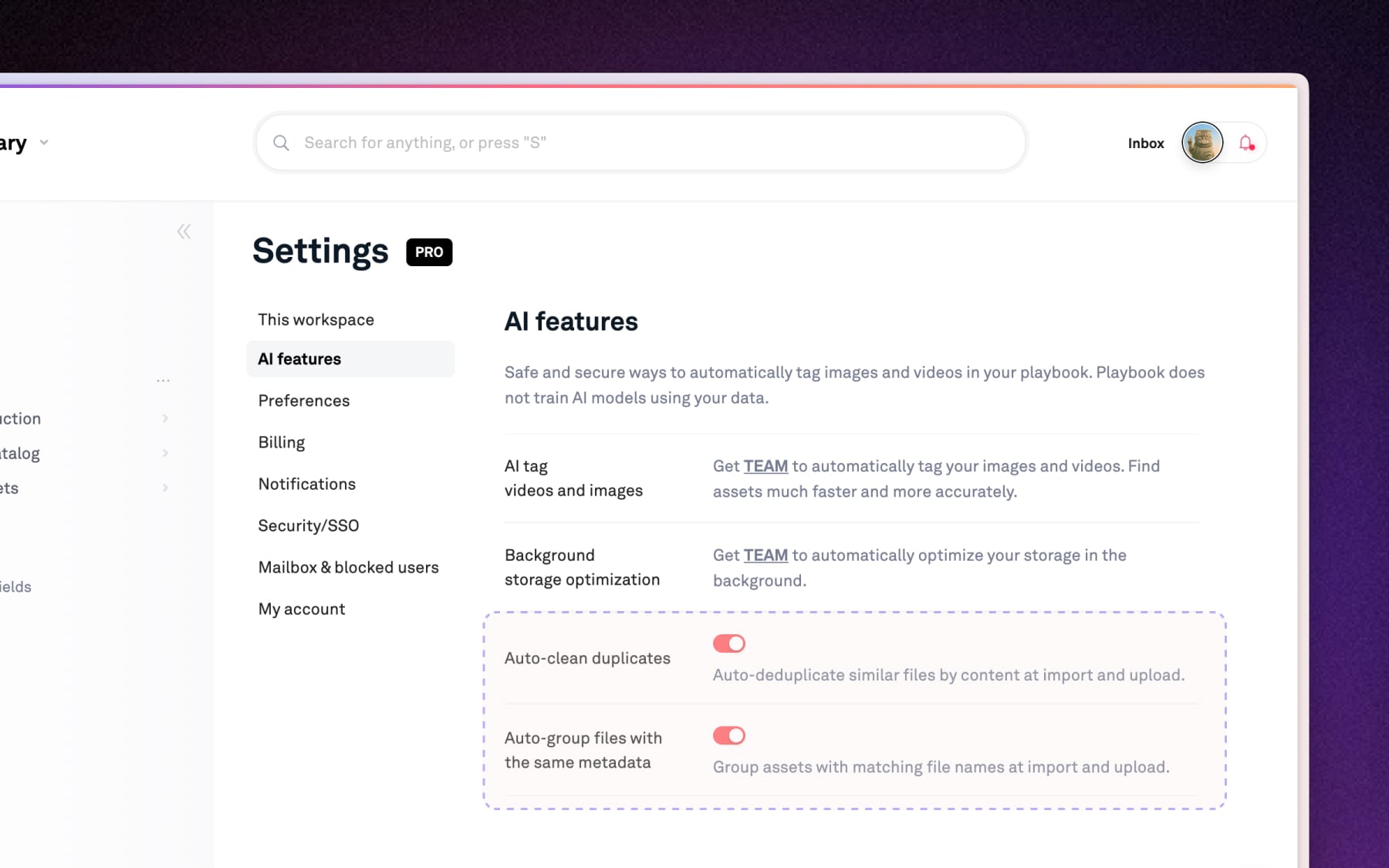
These automation features can be toggle on and off depending on how you prefer to manage and organize your data. Open Settings → AI features:
- Auto-clean duplicates: Toggle this ON (On by default) to automatically de-deduplicate similar files by content during every upload.
- Auto-group files: Toggle this ON (On by default) to group assets with matching file names at the point of upload.