
Notifications settings
Learn how to customize your email alerts for new comments, uploads, and weekly summary of change in your workspace.
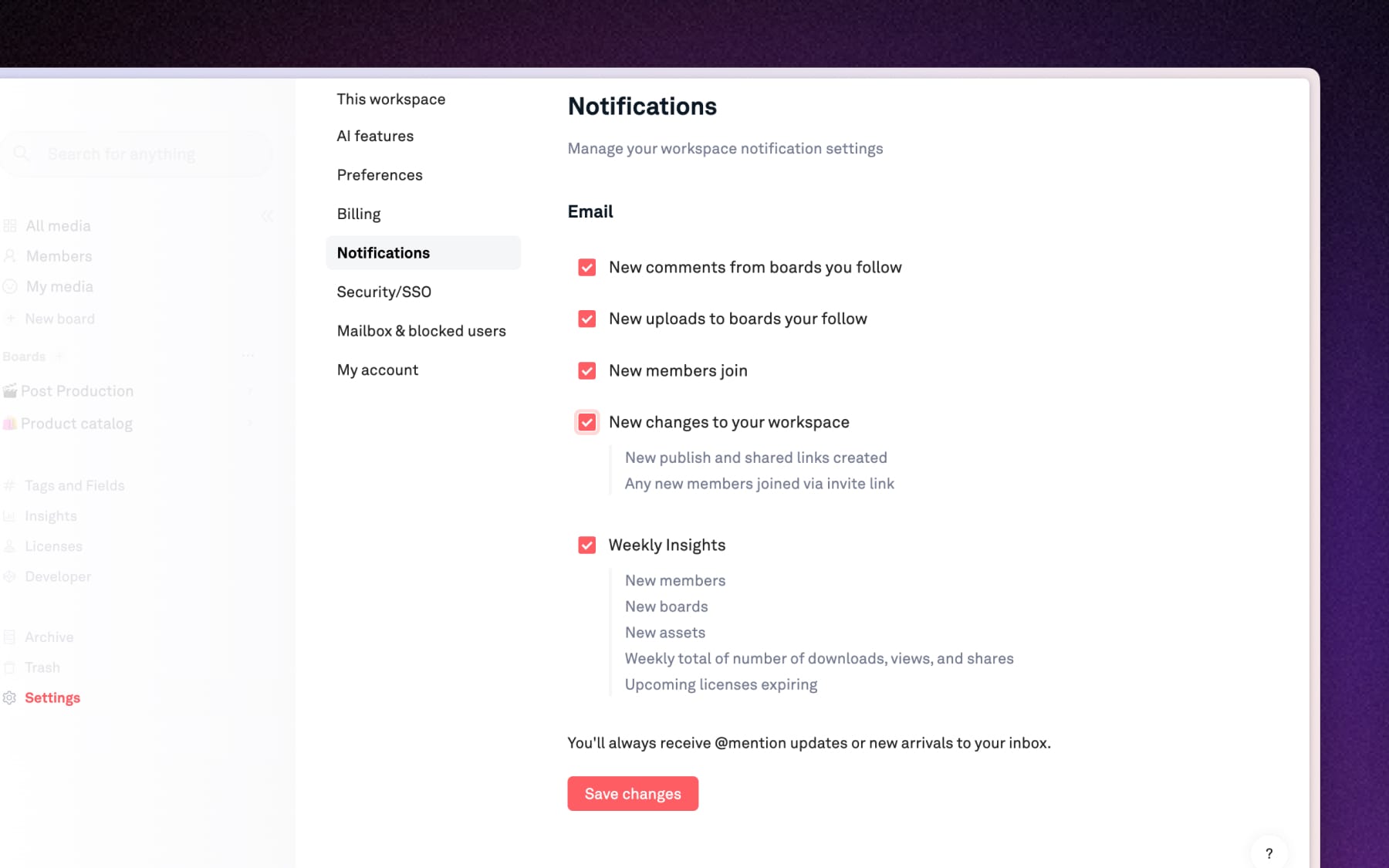
Manage workspace notifications
Open Settings → Notifications to adjust you settings for:
- New comments from boards you follow: Receive an alert whenever a teammate or client leaves a comment on a board you're following.
- New uploads to boards you follow: Get notified when new assets are added to the board you're following.
- New members join: Stay informed whenever a new person is added to your workspace.
- New changes to your workspace: Get updates when new published boards or shared links are created, or when members join via invite links.
- Weekly insights: A digest email summarizing new member, boards, and assets, along with total downloads, views, shares and upcoming license expirations.
Note: @Mentions are mandatory alerts to ensure you always see direct mentions in your inbox