
Starting a chat
Learn how to start using Playbook Intelligence in your workspace.
You can use Playbook intelligence for general knowledge and how-to questions as well as to perform actions on or edit your assets. There are a few ways to access your conversations:
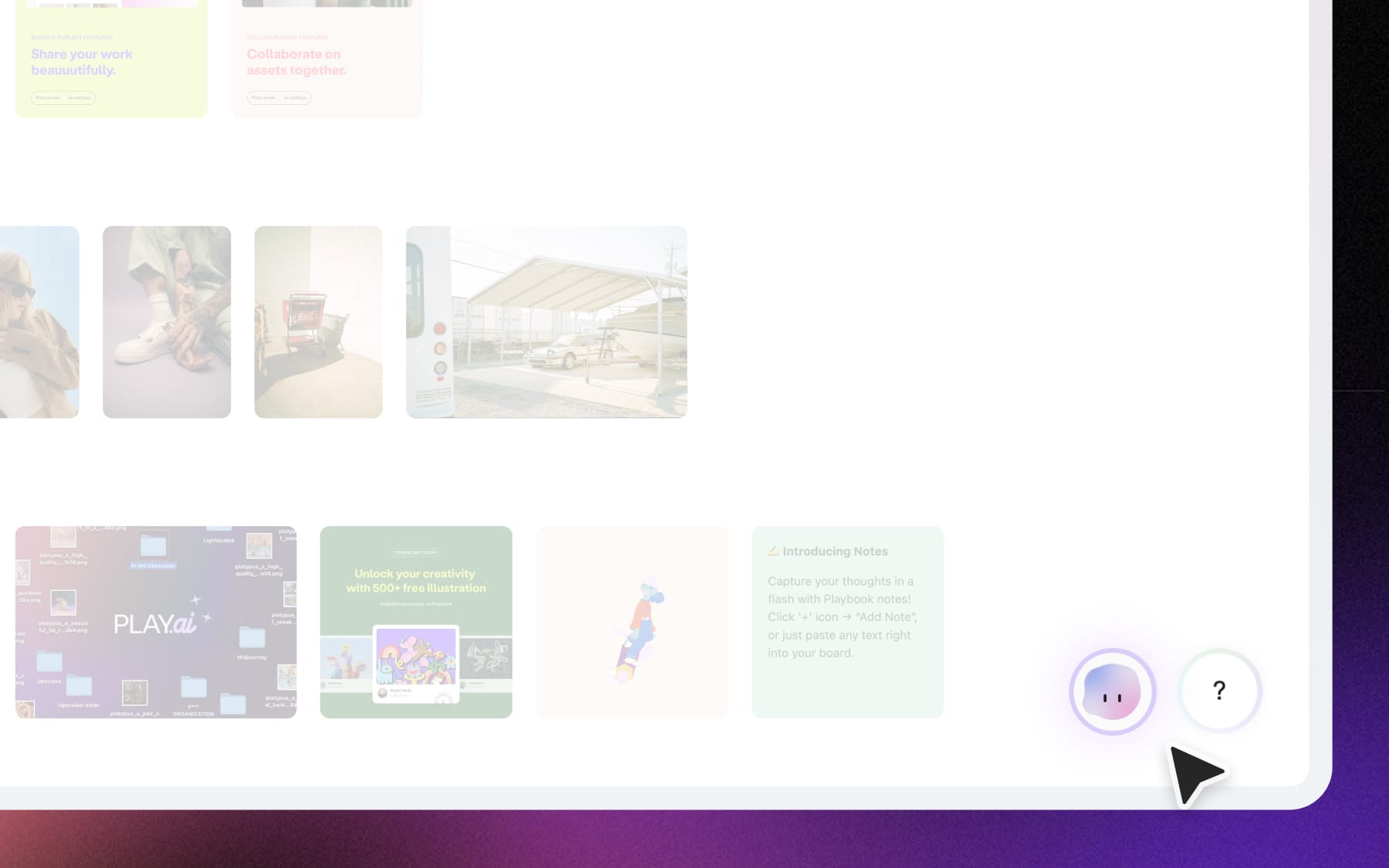
- Click on the "Plippy" character icon in the bottom right corner. By default, this starts a chat with your current collection as the context. If you’re opening from “All Media” page, Playbook Intelligence takes your whole workspace as the context.
- Select the assets you want to work with. This opens a new sidebar chat with your selected assets ready to action on.
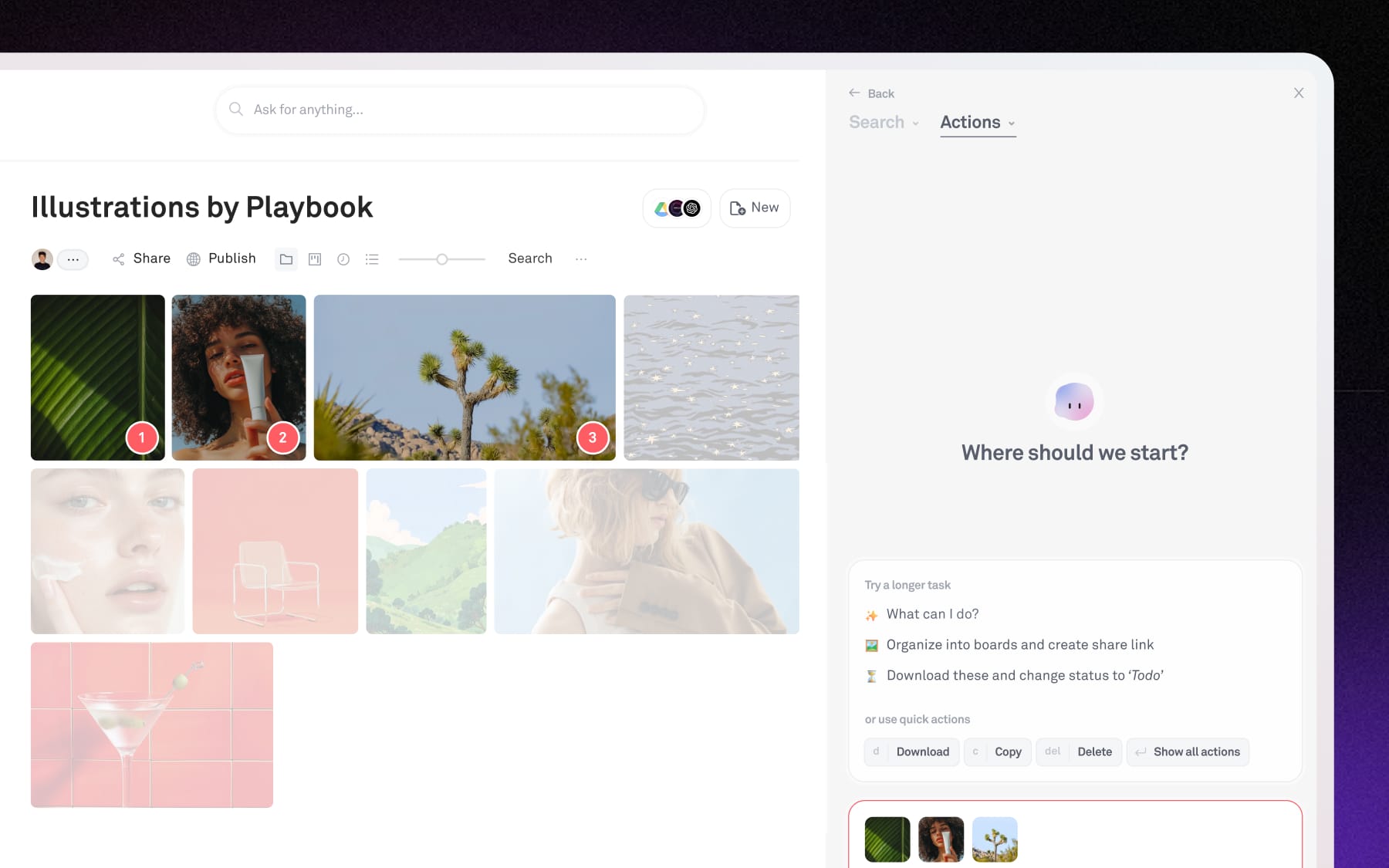
You’ll see the current scope of assets in the input, and you can add additional reference images by clicking on the ‘+’ button within your input box.
- Access new Actions chat from Search sidebar. Select assets from your search results and simply click on “Actions” to use the selected in your prompt.
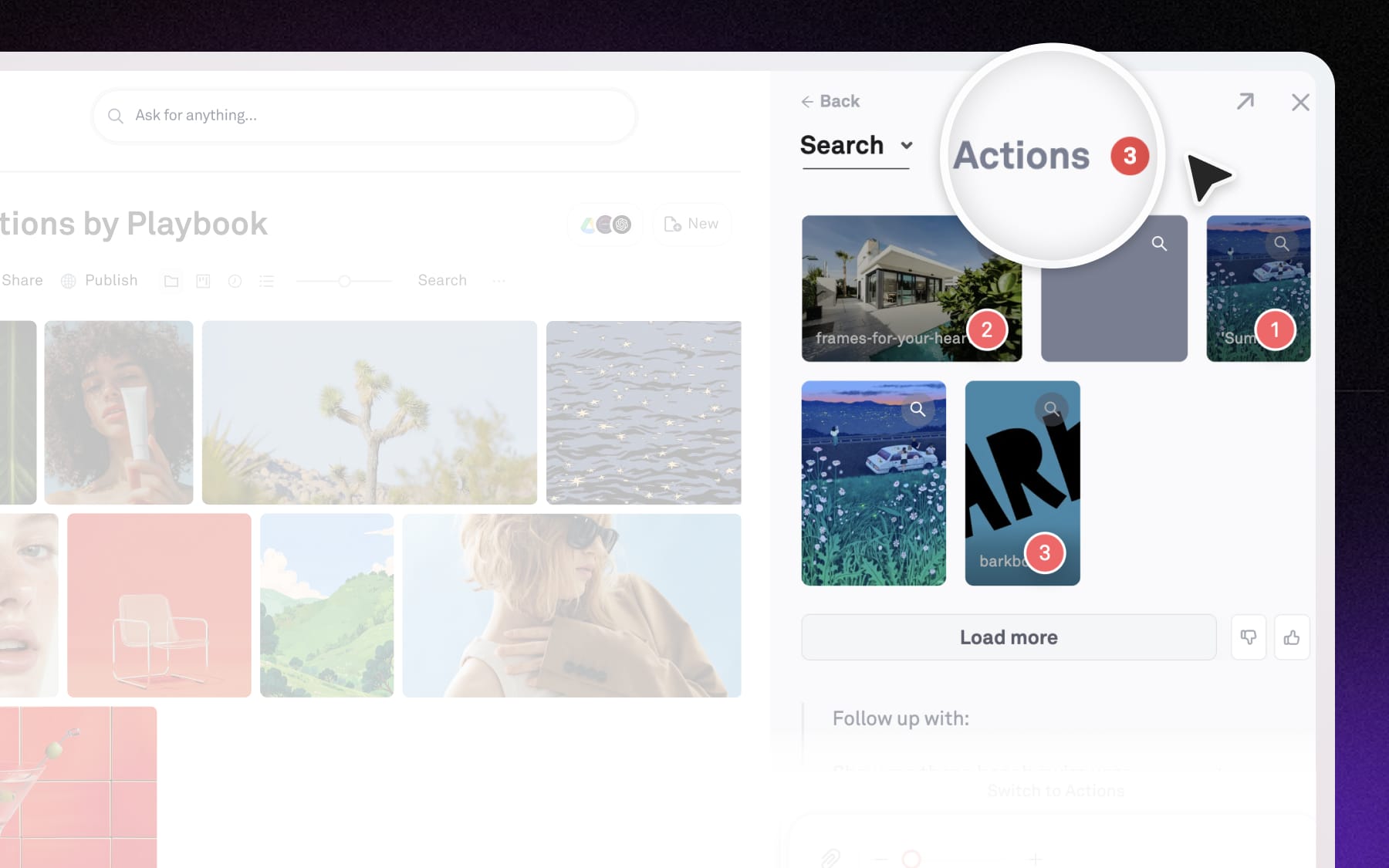
Hover over this tab to view and go back to your recent previous conversations.