
Publish a photography delivery gallery
Learn how to publish a shoot as a branded delivery gallery, let the client pick favorites, and hand over originals from one link.
A delivery gallery is a published board of a single shoot. The client opens one link, browses the selects, marks the frames they want, and downloads at full quality. You never zip anything.
Build the shoot board
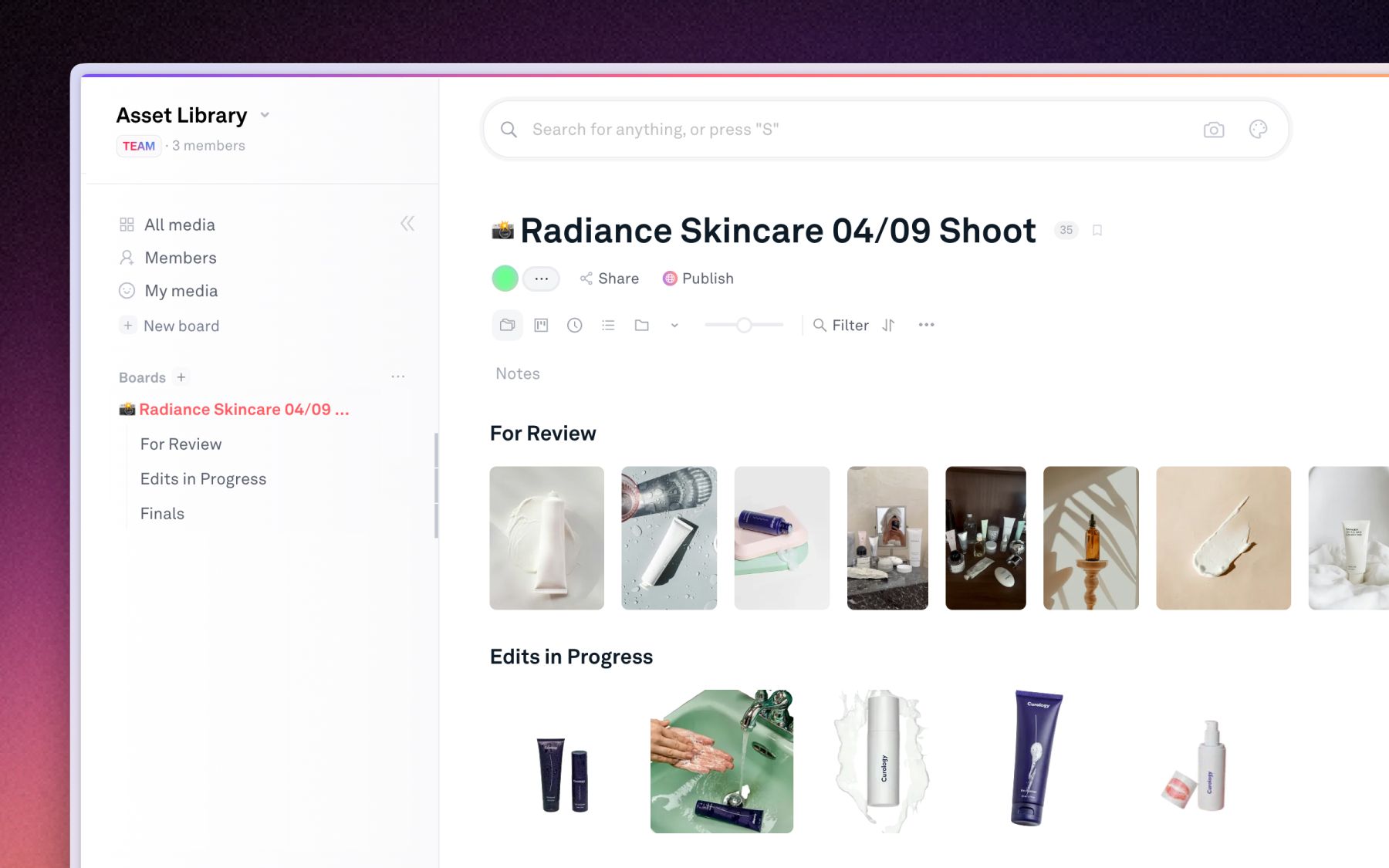
Create a board for the shoot and keep the raw work separate from what the client sees.
- Sub-boards: one per look, location, or setup.
- Groups: stack the retouched frame on top of the original so the client sees the finished version first.
- Hide the outtakes: hidden assets stay on your board and never render on the gallery.
Let the client choose
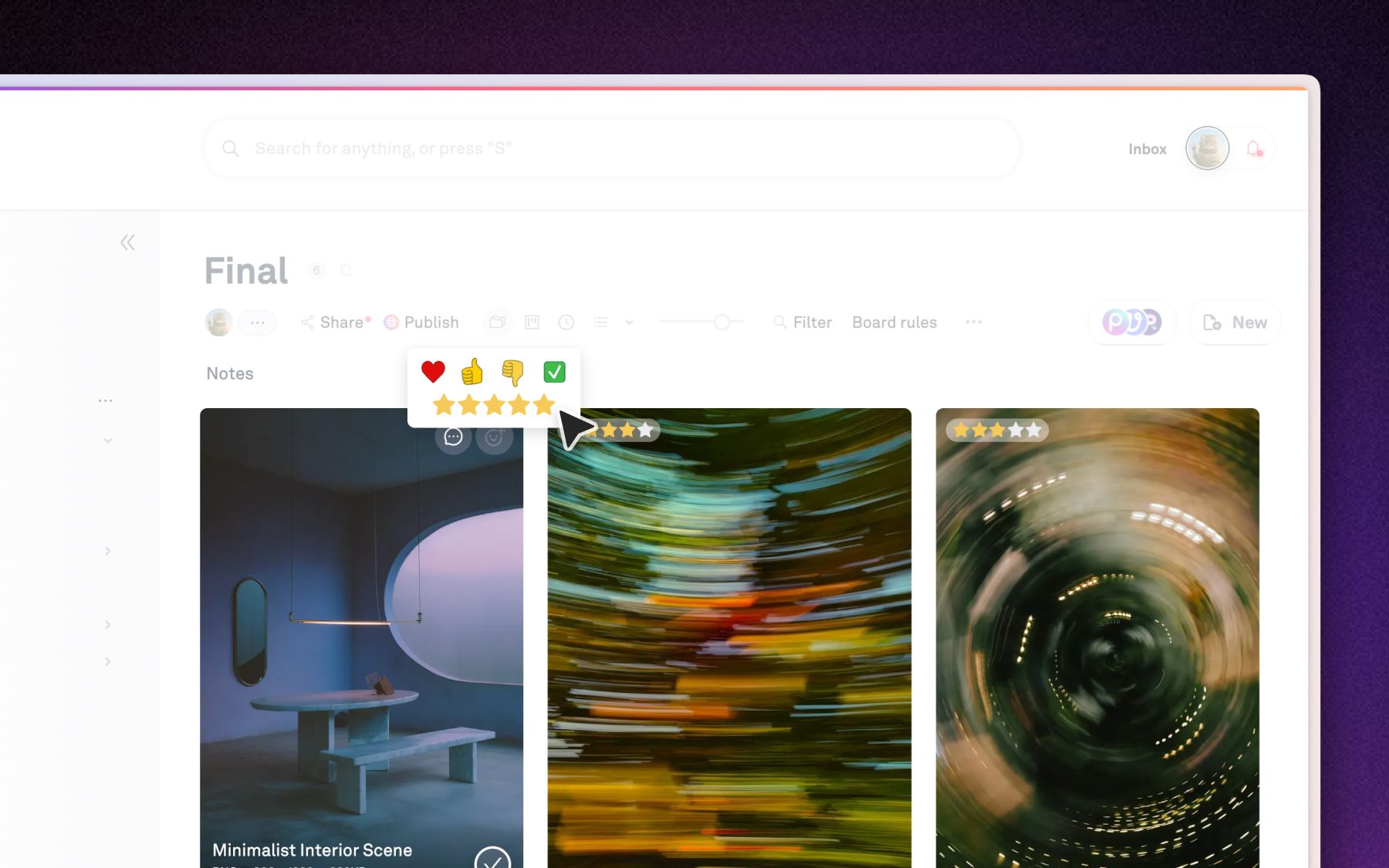
Turn the gallery into a selection round instead of an email thread.
- Star ratings: the client rates the frames they want pulled. See Star ratings & reactions.
- Reactions: a quick yes or no on a frame, without a written comment.
- Comments: notes for retouching, attached to the specific image.
- Filter by rating: pull up everything the client starred and work straight from that set.
Pick a photography template
Click Publish in the top header and choose a photography template. All four are live in the template gallery:
- Lago di Braies: a large-format landscape template that gives each frame the full width.
- Chinaza: a portrait-led layout with generous white space.
- Hellen Keller: a still-life and product template with a tight grid.
- Tori Smith: an editorial layout that mixes crops and full-bleed images.
Customize your site
Open Template Settings to set your logo, cover, typography, and page slug, then check Desktop preview and Mobile preview. The full walkthrough of the publish editor, presets, and per-section editing is in Publishing your board.
Deliver the gallery
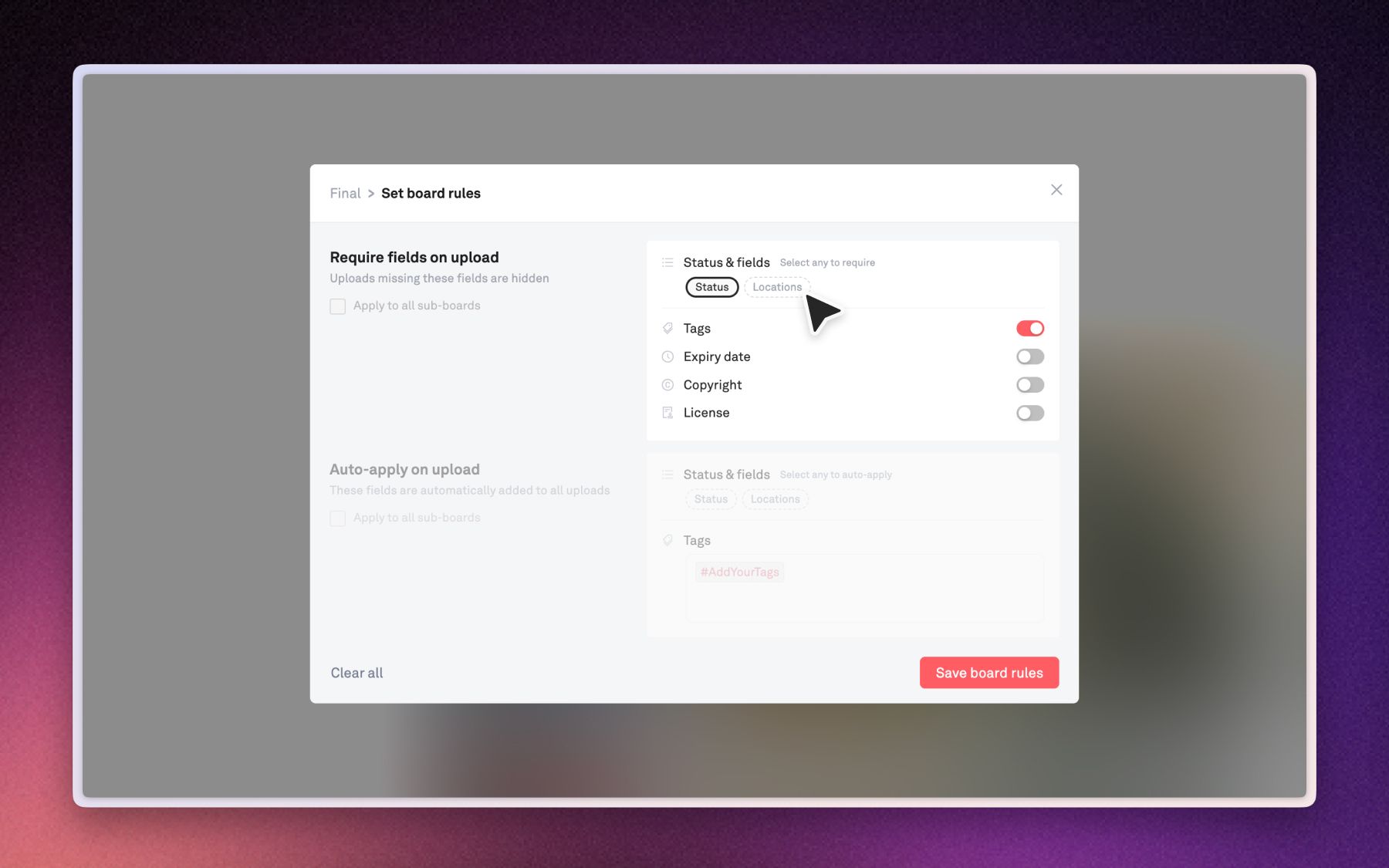
Toggle the link on and send it to the client.
- Downloads on: the client pulls original-quality files, not compressed copies. See How to download your files.
- Password: for a private shoot.
- Expiry: for a gallery that should close after the delivery window.
- Watermark: for proofs going out before final payment.
Expected behavior
Retouch a frame and upload it into its group, and the gallery shows the new version on the same link. Ratings and comments the client leaves stay attached to the assets on your board, so your selects list is built for you.